
What the companyactuallylooks like
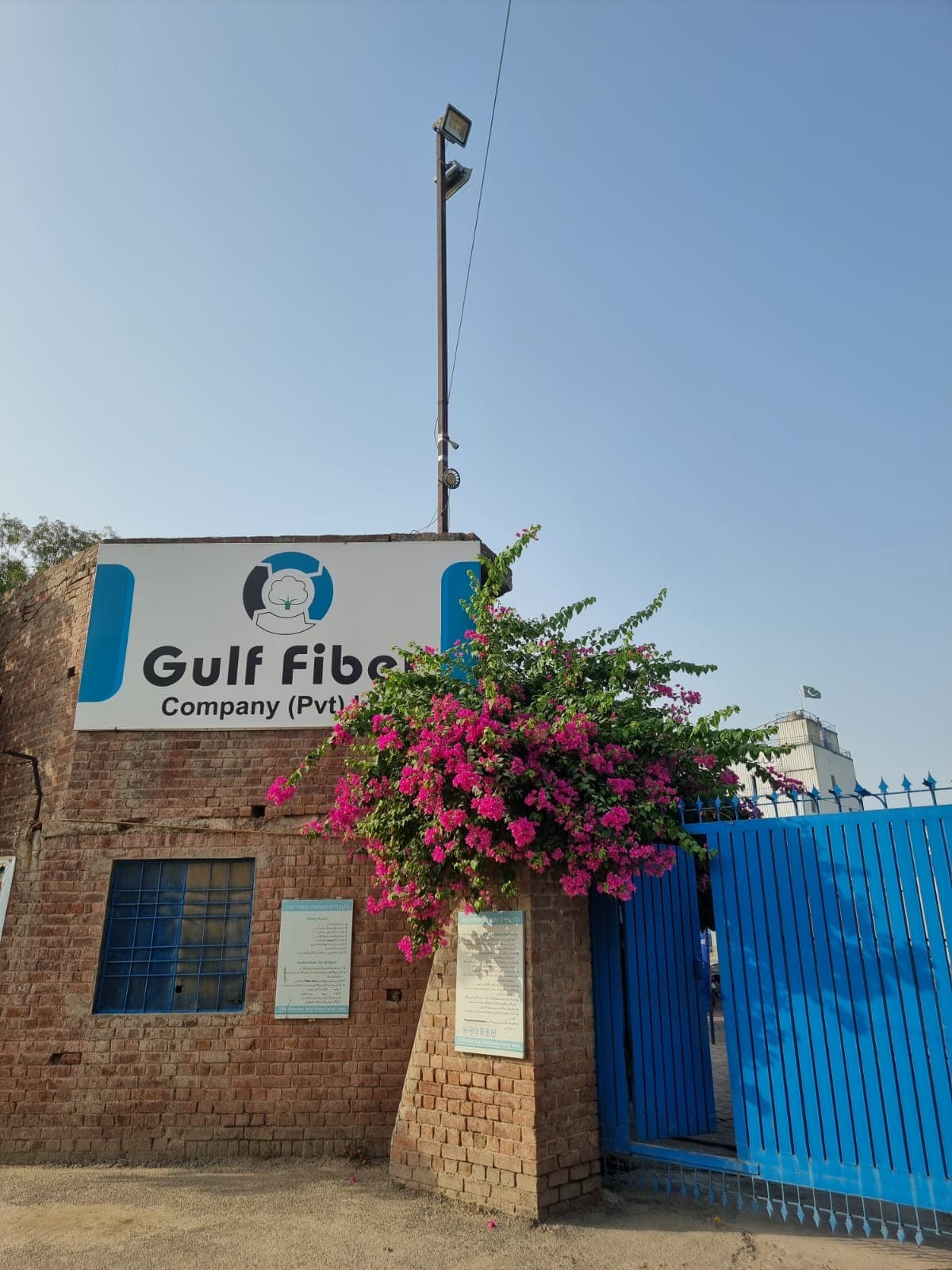
Explore the authentic visual archive of Gulf Fiber: plant facilities, extrusion and spinning lines, heavy machinery, materials, finished product lines, and rooftop solar installations.
Browse the
record
Filter by category, open any tile for the full frame, its metadata and the page it belongs to. Arrow keys browse inside the viewer.
Every frame
is a slot
Each labelled frame names the photograph it waits for. Supply the image - it drops into lib/data/gallery.ts - and the tile, the lightbox and the global search pick it up without another change.
Supply the photograph
Plant, material, product, laboratory or approved people photography - tagged with the category it belongs to.
Fill one entry
The image path, a one-line description and the real alt text replace the placeholder in the archive data.
The page does the rest
The tile renders, the lightbox reads it, the filter counts update, and the entry becomes discoverable in search.
See the material
in your own laboratory.
The archive shows the plant; a sample shows the material. Both are one enquiry away.